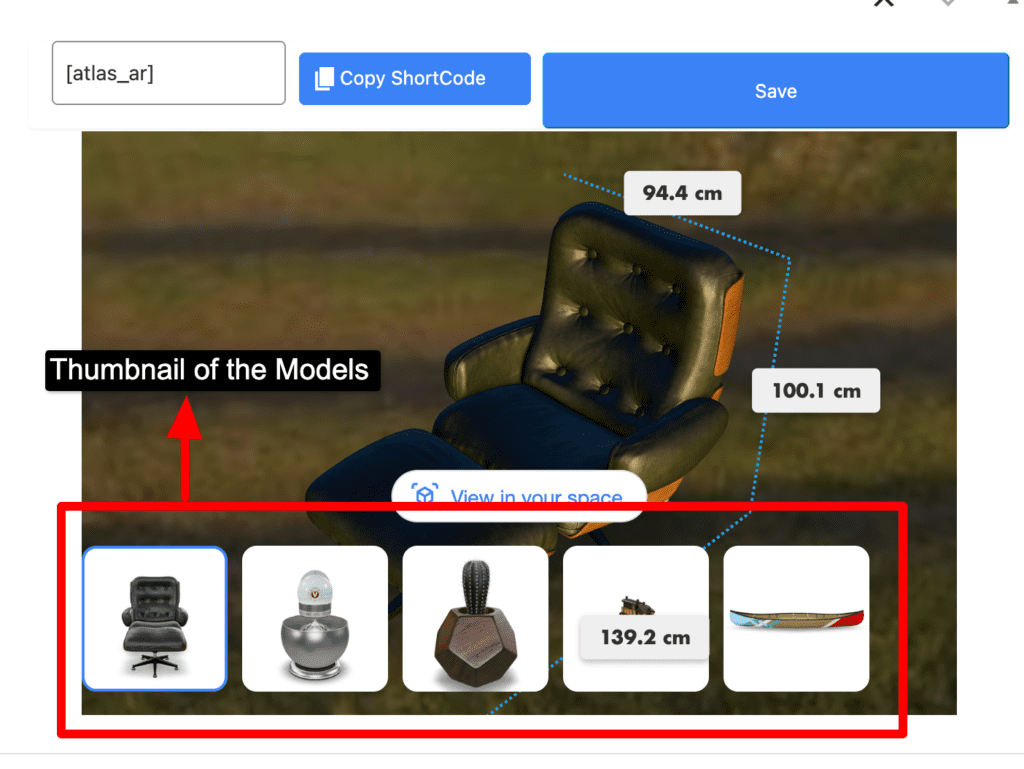
How To Use Slider In AtlasAR Pro WordPress 3D Model Viewer Plugin?
First go to your post type(either post,page,product). Then go to the post metabox. Click the Slider menu
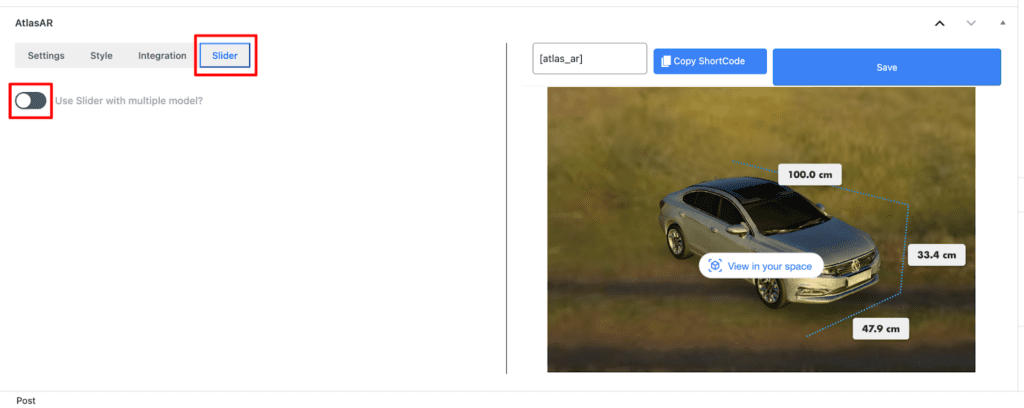
Turn on the Slider
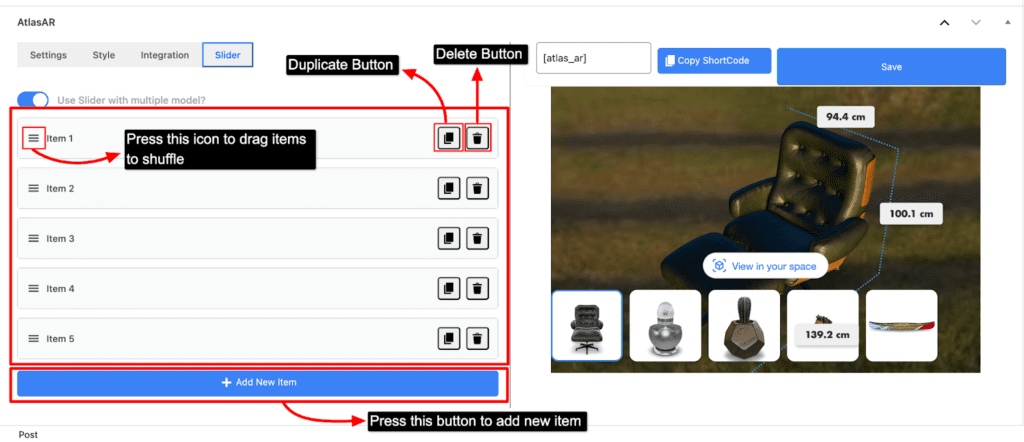
By default you will see 5 pre generated items. You can delete all the items by pressing the delete button. You can shuffle the items by dragging the items with the help of drag icon. You can also duplicate an item by pressing the duplicate button. Lastly, there is also an “Add new item” button where you can add a new item on your item list to show on the slider. You can customize your item by simply clicking on the item. It has similar options just like the “Settings” menu.
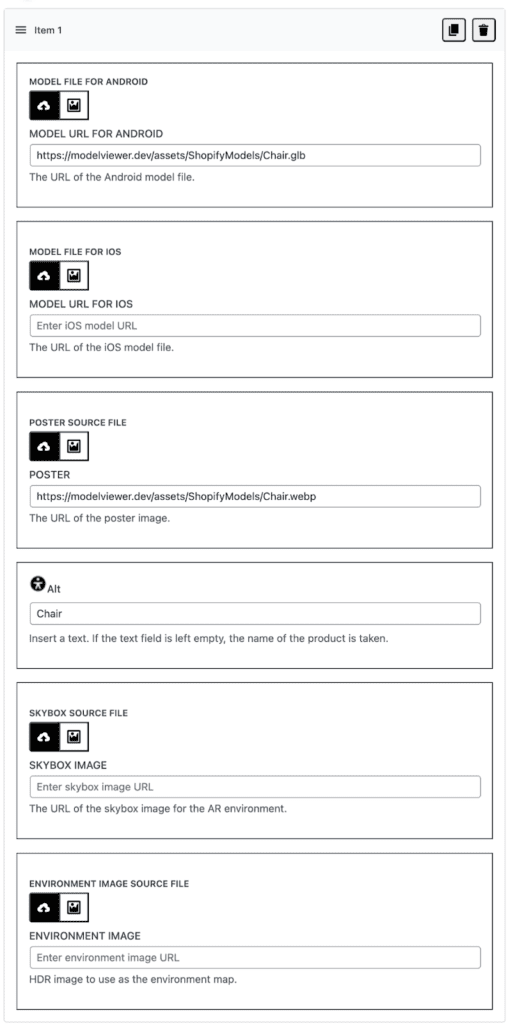
After adding the item you can see those models on your right side of the screen where the model gets loaded. Lastly press the save button.