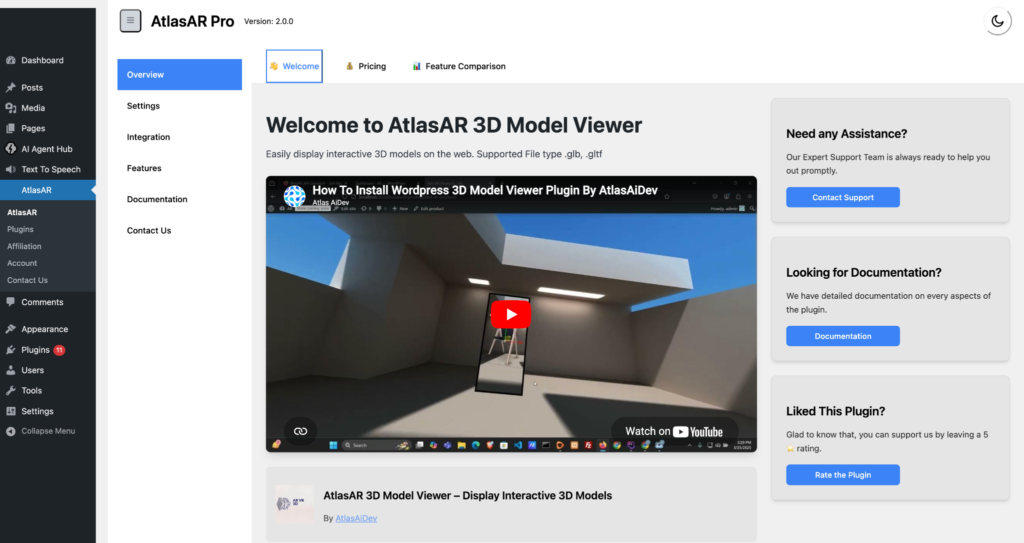
How to set-up the AtlasAR plugin?
First go to the add plugin and search for the AtlasAR plugin by simply searching “ar vr try on”.
You will see the AtlasAR plugin by Azizul Hasan. Tap the Install Now button and activate the plugin.

Now from your admin dashboard of plugins, you can activate the AtlasAR plugin.

Now the initial interface will look like this and now you can configure it by exploring the settings menu.: