
How To Use Hotspots In AtlasAR Pro WordPress 3D Model Viewer Plugin?
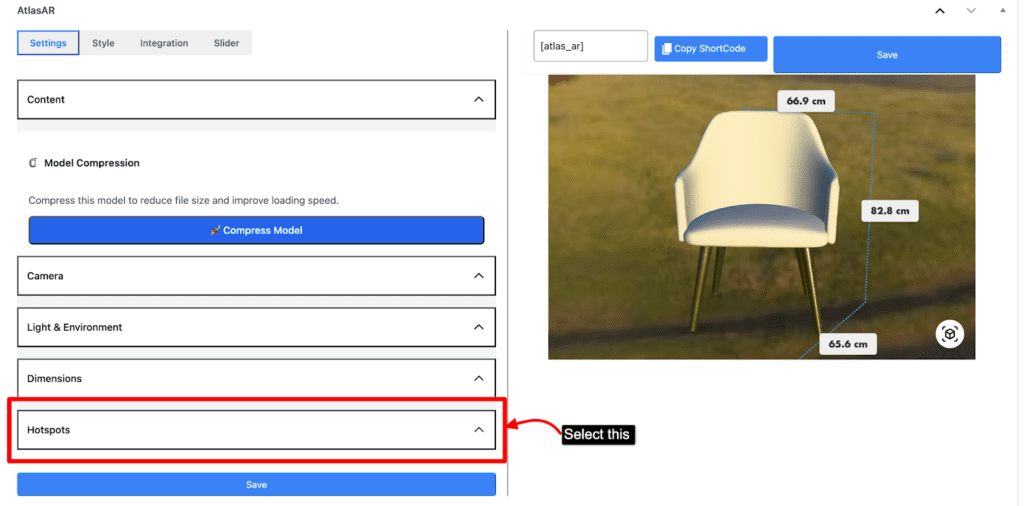
First go to your post. Select Hotspots accordion on settings menu.
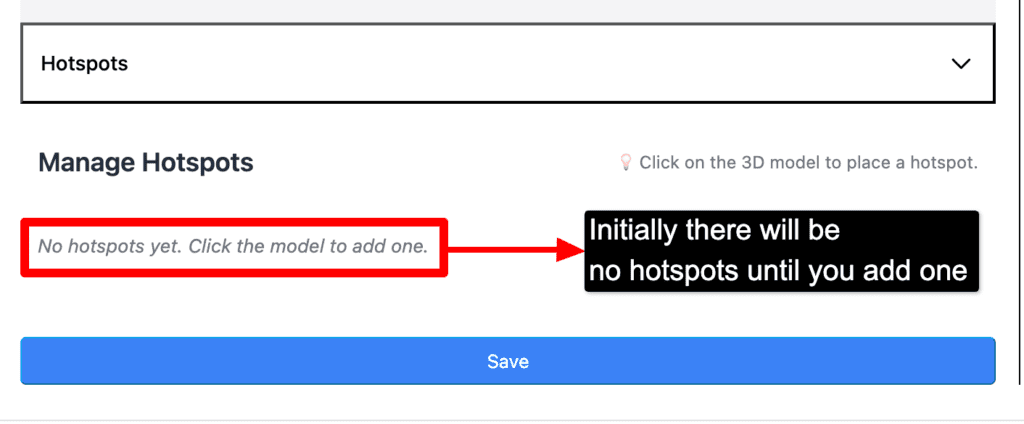
By default there will be no hotspots
First decide in which place you want to add the hotspots. After deciding the place click on that place to add the hotspots.Please make sure you add the hotspots on the model exactly
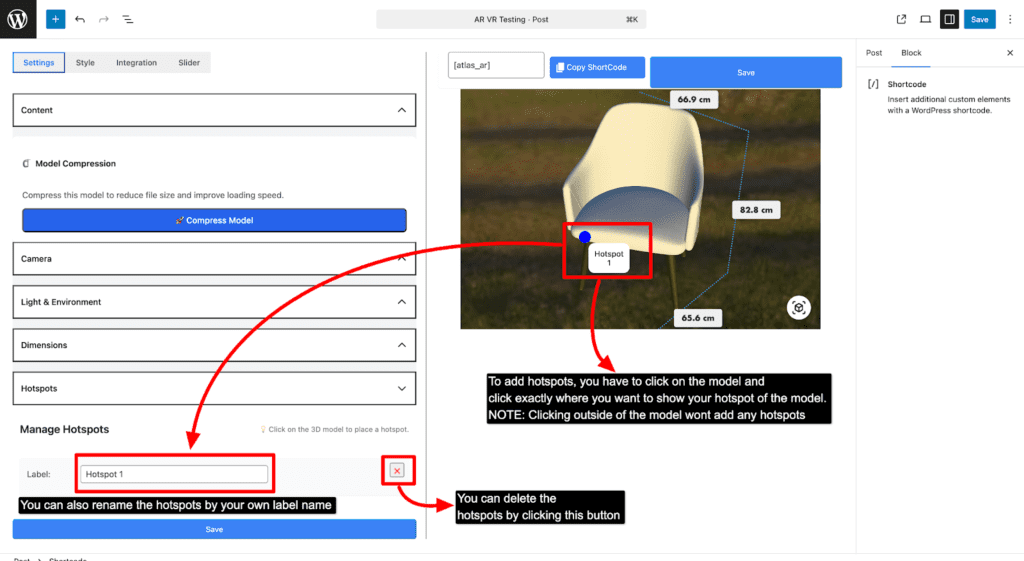
NOTE: You won’t be able to add hotspots outside of the model. Lastly press save button to see the end result