
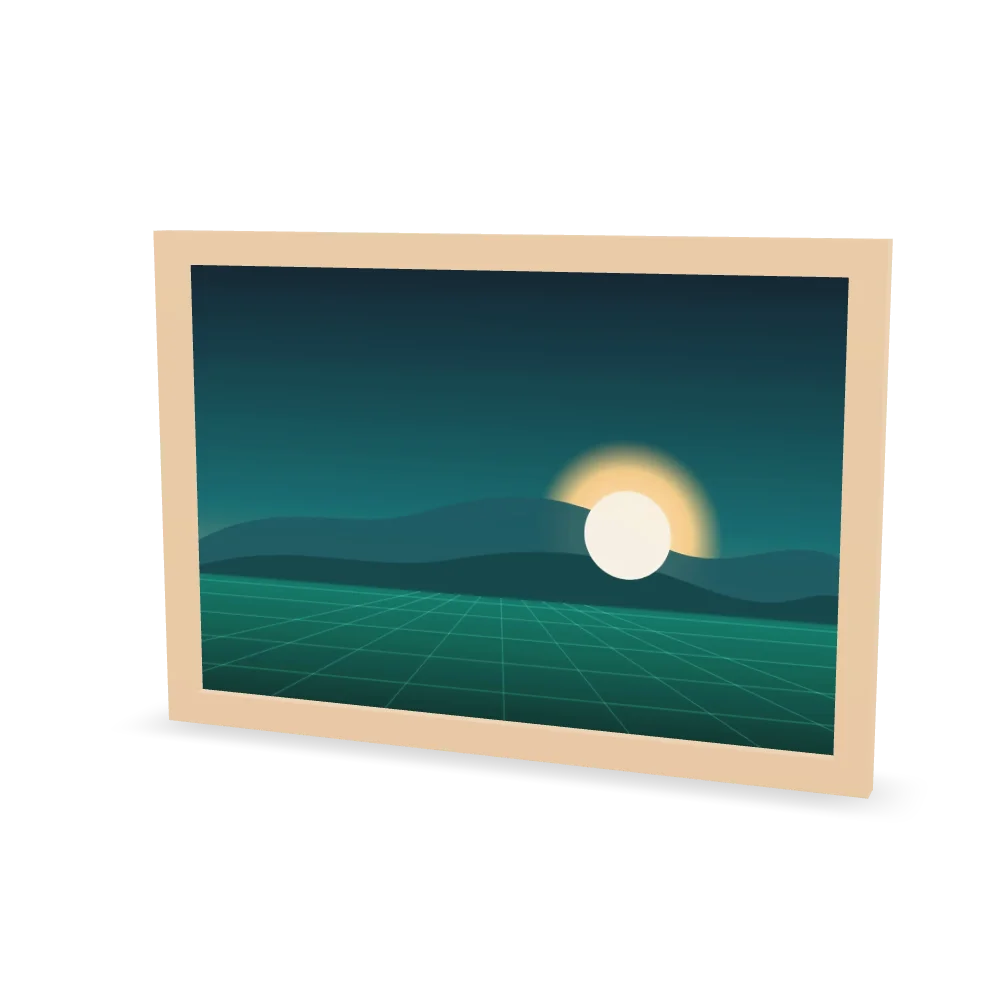
Description
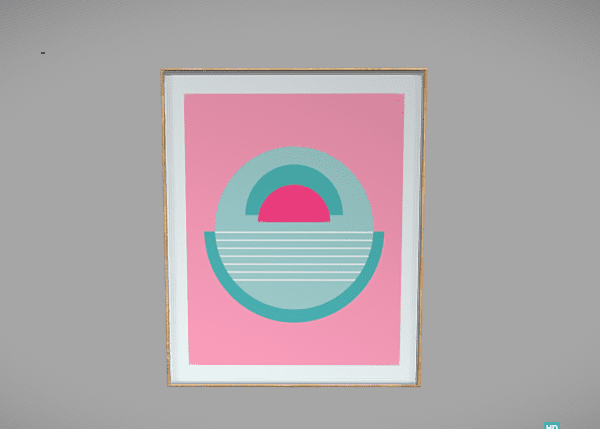
Prints and frames are sold in exact sizes. With custom dimensions, the store sets the real width and height, and AtlasAR scales the 3D model and the AR view to match, so the print on the shopper’s wall is the size they will receive.
What this demo shows
- Custom width and height: the model is scaled to the size you sell.
- Size-accurate AR: the frame on the wall matches the real product.
- Wall placement: the print hangs flat on a vertical surface.
How to try it
- On iPhone or iPad: tap View in your room, and AR Quick Look places the model on your floor or wall.
- On Android: tap the same button, and Google Scene Viewer opens the model in AR.
- On a computer: drag to turn the model, scroll to zoom, and scan the View on your phone QR code to continue in AR.
Set it up on your WooCommerce store
In AtlasAR Pro, enter the product’s real width and height as custom dimensions and set the AR placement to wall.
This is an AtlasAR Pro feature. See AtlasAR Pro pricing. Need help? Read the AtlasAR documentation.
This is a demo product. It is not for sale.
Reviews
There are no reviews yet.