
12 live WooCommerce demos
3D product viewer and AR demo for WooCommerce
Each demo is a real WooCommerce product running AtlasAR. Turn the model, open it in your room on your phone, or scan the QR code from a computer.
- No app needed
- iPhone and Android
- Scan the QR code on desktop
Free demos: 3D and AR for furniture and wall art
Six ways to show 3D on a WooCommerce product page, all in the free plugin.
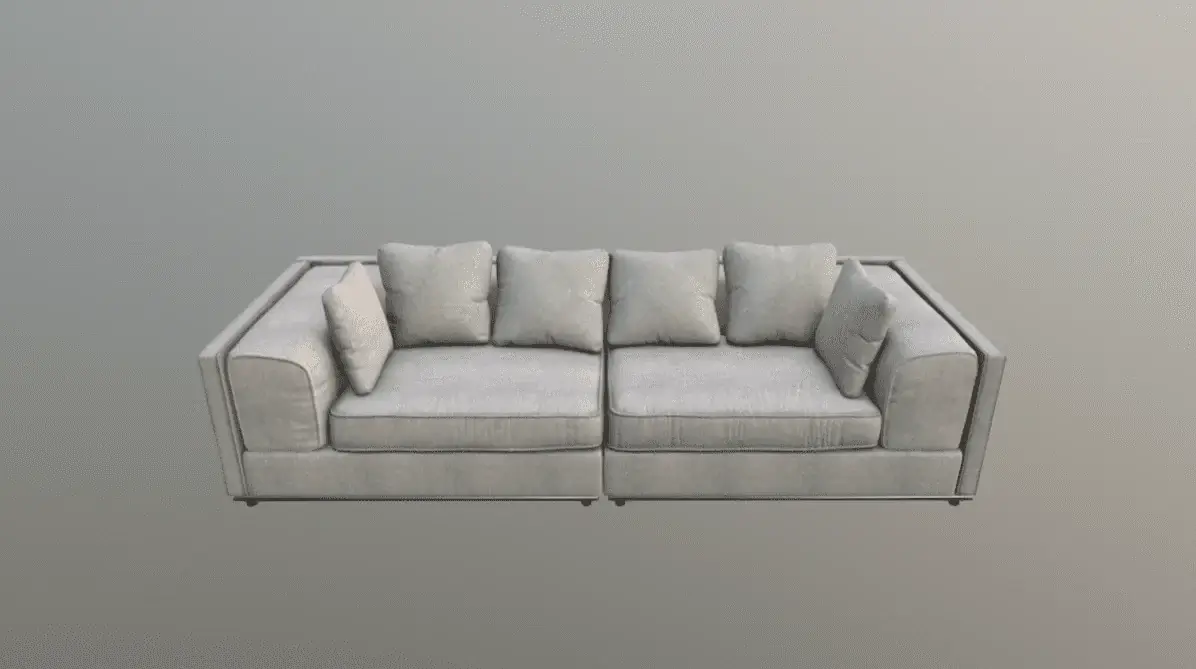
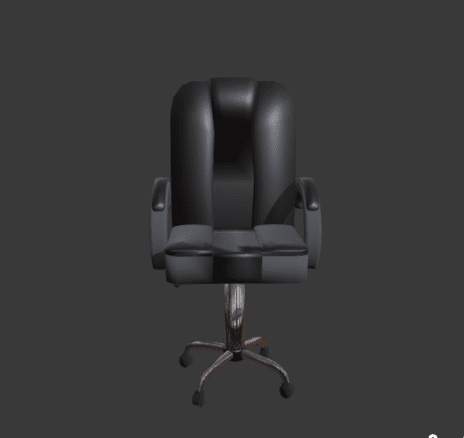
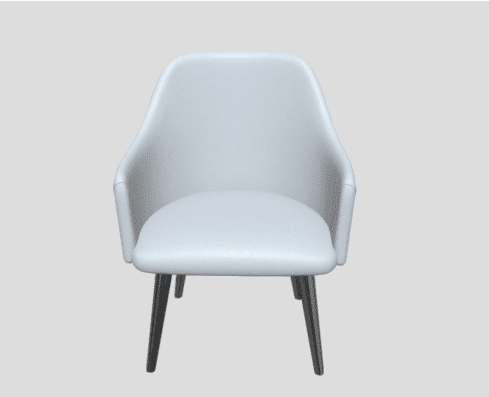
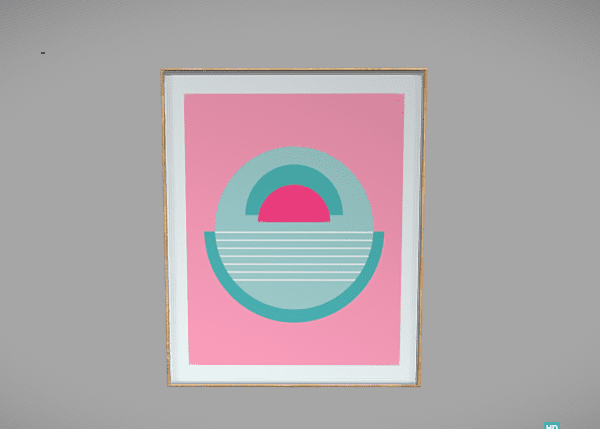
Modern Wall Painting in 3D and AR
A “View in 3D” button opens the model in a window. The page loads as fast as before.
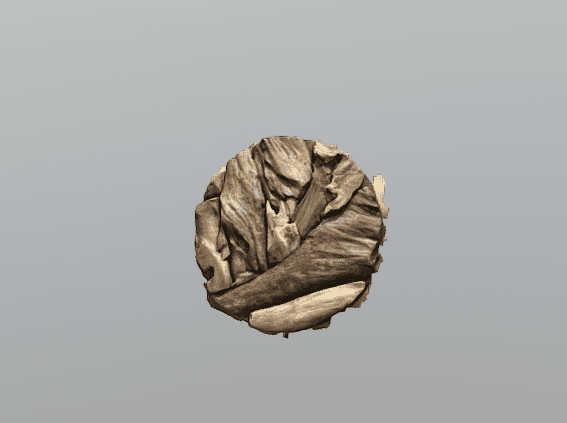
Wooden Wall Decor in 3D and AR
The 3D view sits in its own tab next to the description. AR places it on a wall.

Need a model to try? Browse the free 3D model library
Pro demos: colour variations, hotspots, dimensions and virtual try-on
Variations, several models, hotspots and real sizes, plus virtual try-on. Models from the free AtlasAR Cloud library.
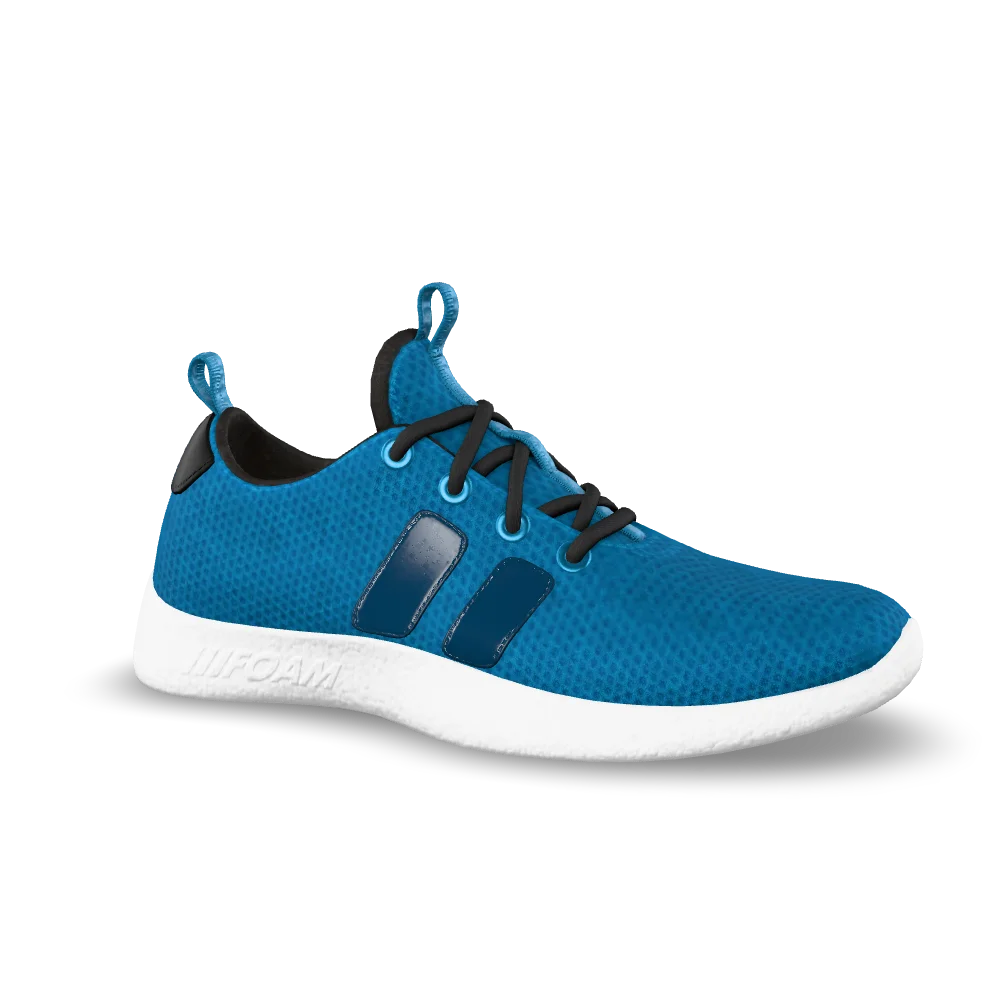

Mug and Vase Set: Several 3D Models
One viewer with thumbnails for every model in a set. AR opens the one on screen.

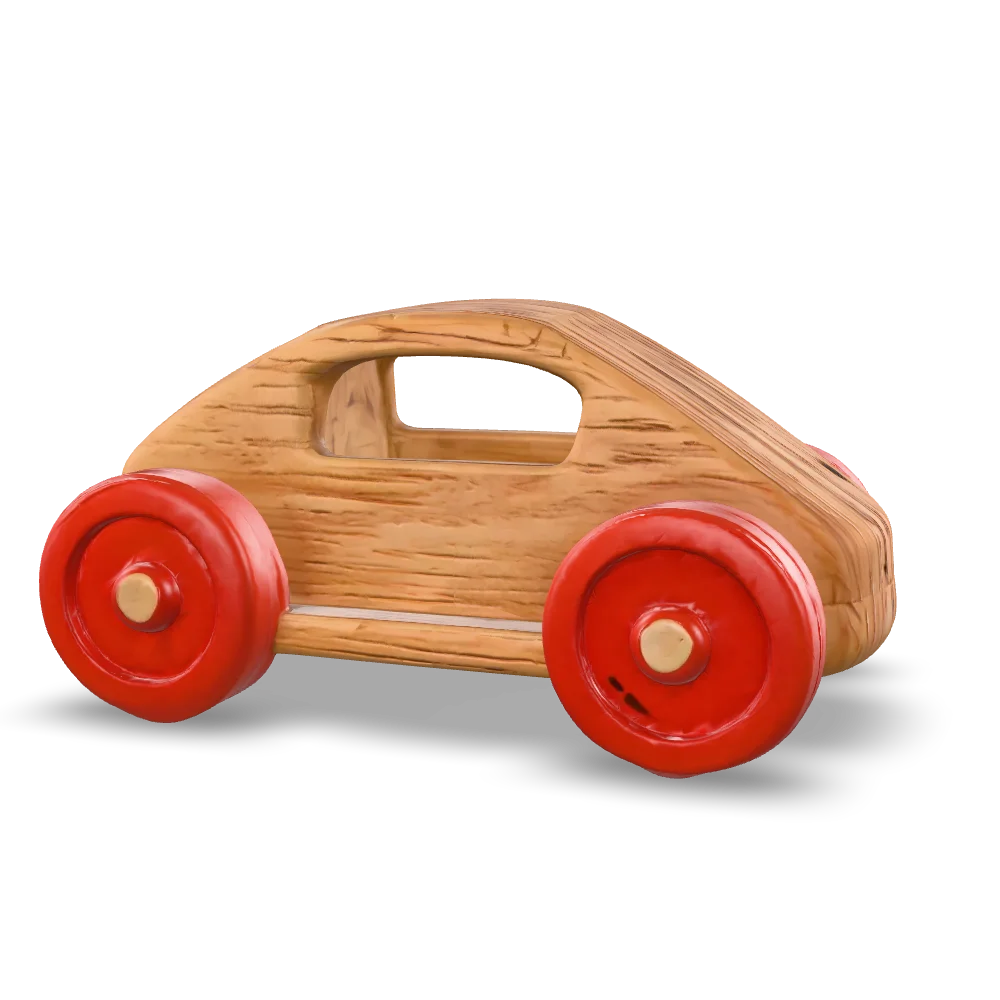
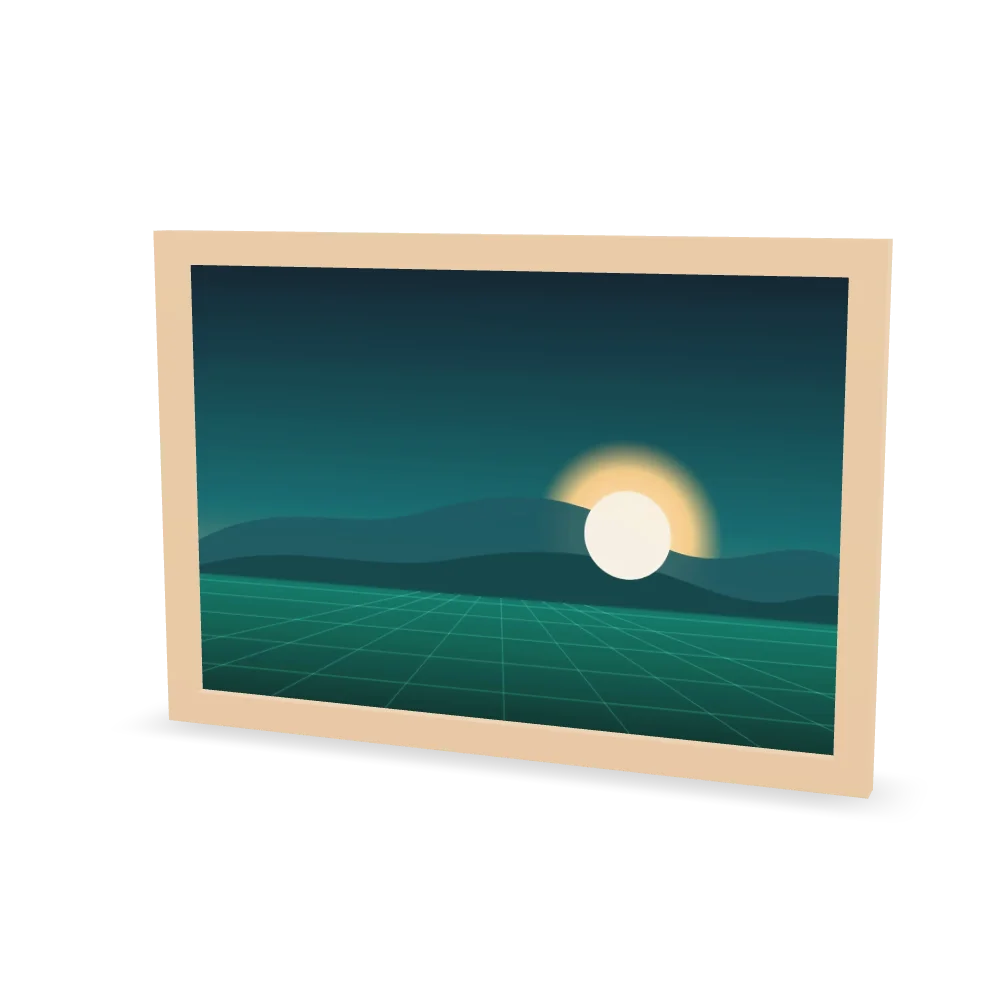
Framed Art Print with Custom Dimensions
Sizes typed by the shop (60 × 40 cm) shown on the model; AR puts it on the wall.
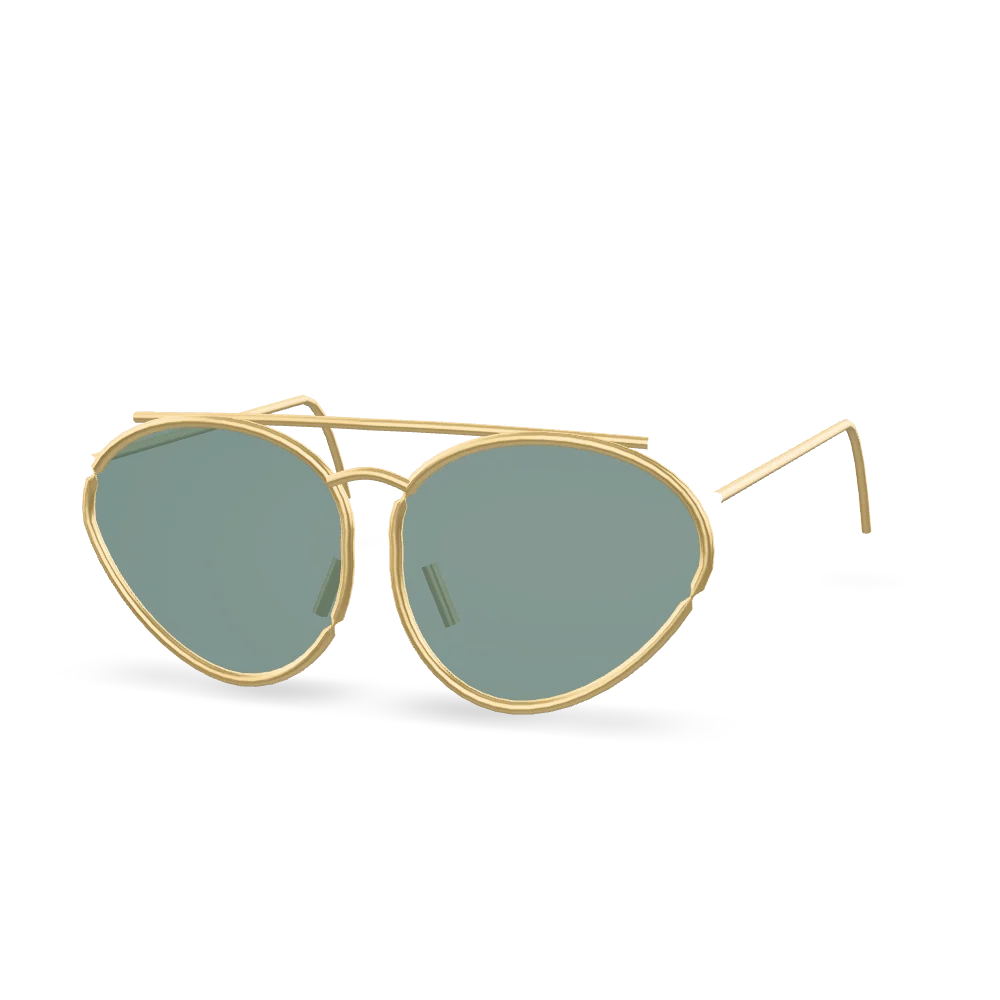
Aviator Sunglasses Virtual Try-On
Try glasses on with your camera, or on a sample face. Nothing is uploaded.
Need a model to try? Browse the free 3D model library
How to try the AR demos
Three steps, about ten seconds.
1
Open a demo on your phone
On a computer, tap “View in your room” and scan the QR code with your phone camera.
2
Tap “View in your room”
iPhone opens AR Quick Look and Android opens Google Scene Viewer. No app to install.
3
Place it and walk around
Move your phone slowly to find the floor or wall, then turn and move the product at its real size.
Add 3D and AR to your store today
Install the free plugin in two minutes. Upgrade to Pro when you want hotspots, sizes and more.