
Buying a sofa online is risky for most shoppers. Will it fit the living room? Does the color match the walls? Is it too big or too small?
That’s where the AR sofa experience comes in.
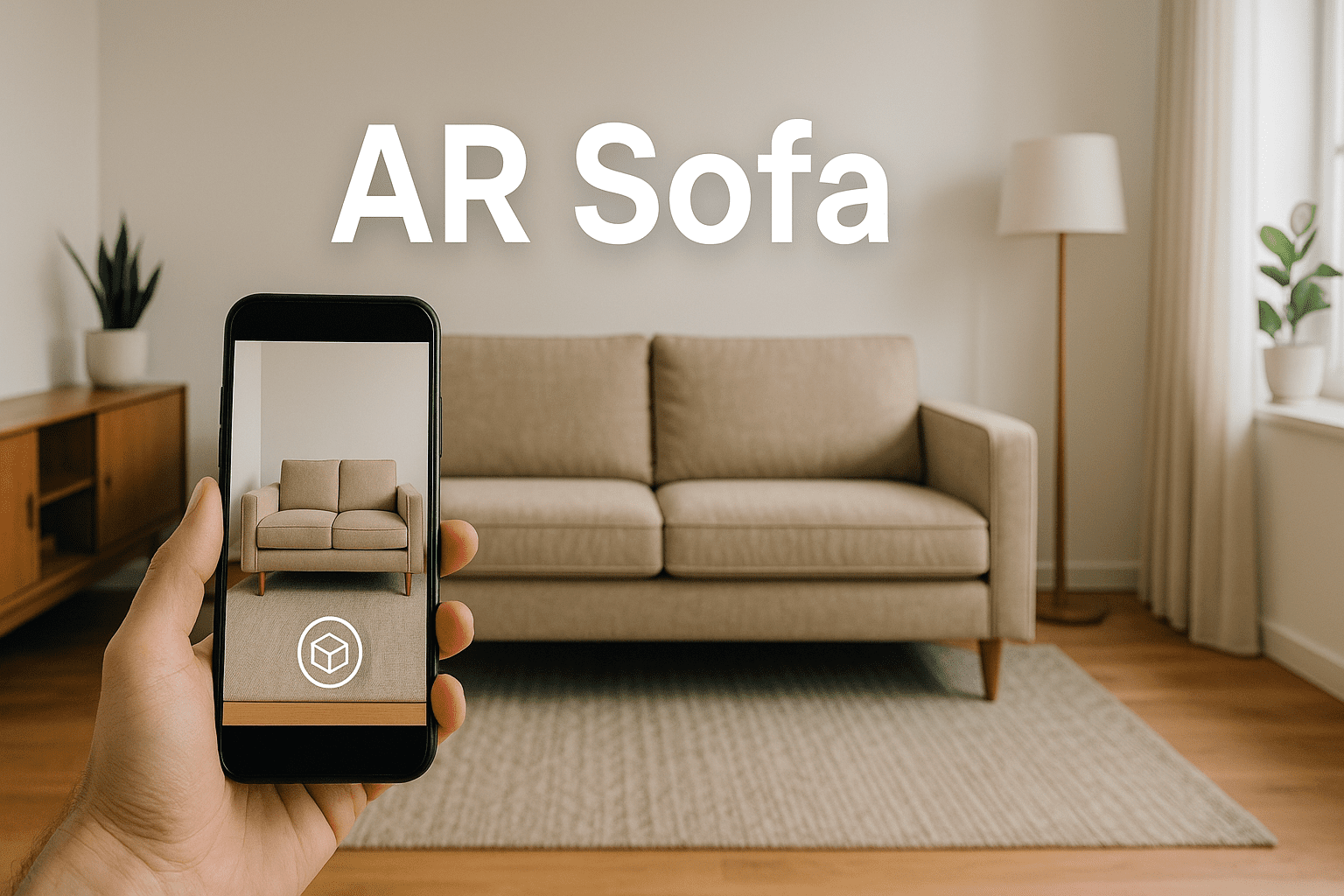
An AR sofa (augmented reality sofa) lets shoppers place a 3D model of a sofa in their real room using their phone’s camera. They can walk around it, check proportions, and see how it looks with their existing décor — before clicking “Add to cart”.
In this article, you’ll learn:
- What an AR sofa is and why it works so well
- How AR sofas boost conversion and reduce returns
- A real live demo example
- How to add AR sofas to your WordPress / WooCommerce store using a free plugin
- SEO best practices to rank your AR sofa pages in Google
What Is an “AR Sofa”?
An AR sofa is a digital 3D model of a sofa that customers can:
- View in an interactive 3D viewer (rotate, zoom, pan)
- Place in their real room using augmented reality (via mobile browser)
With WebAR technology, users don’t need to install an app. They simply:
- Open your product page on their phone
- Tap a “View in AR” button
- See the sofa appear on their floor through the camera
For furniture stores, this is like bringing the showroom directly into the customer’s home.
Why AR Sofas Are a Game-Changer for Furniture Stores
AR sofas directly solve the biggest problems of online furniture shopping:
- Size & fit doubts – Customers can check if the sofa fits between walls, under windows, or next to existing furniture.
- Style & color confidence – They can see the sofa with their real lighting, wall color, and flooring.
- Return reduction – When buyers know exactly what they’re getting, they’re less likely to return the product.
For a furniture brand, this can mean:
- Higher conversion rates (less hesitation, more confidence)
- Lower return rates (fewer “doesn’t fit / doesn’t match” complaints)
- Longer time on page and stronger engagement signals for SEO
Real Example: AR Sofa Demo You Can Try Now
Here is a live AR sofa demo you can try right now:
Modern Sofa with 3D View & Augmented Reality
https://wpaugmentedreality.com/product/modern-sofa-with-3d-view-augmented-reality/
On this page, visitors can:
- Rotate the sofa in 360° 3D
- Zoom into details like fabric, edges, and cushions
- Click “View in AR” to place the sofa in their own room
This is a perfect example of an AR sofa product page. In this blog post, you can invite readers to test it as a real demo of what their own store can look like.
How to Add AR Sofa Views to Your WordPress / WooCommerce Store
Now let’s see how you can implement AR sofas in your own store using a free WordPress plugin.
Step 1: Install the Free AR & 3D Model Viewer Plugin
You can use a free plugin that adds 3D and AR support to WordPress and WooCommerce:
Plugin name: 3D Viewer – 3D Model Viewer – Augmented Reality
WordPress.org plugin page:
https://wordpress.org/plugins/ar-vr-3d-model-try-on/
- From your WordPress dashboard, go to Plugins → Add New
- Search for: “AR VR 3D Model Try On”
- Click Install Now, then Activate
You can also learn more and see demos on the plugin website:
https://wpaugmentedreality.com/
Step 2: Prepare a 3D Sofa Model
To create an AR sofa experience, you’ll need a 3D model of the sofa.
Tips:
- Work with a 3D artist or use a 3D scanner to create a realistic model of the sofa.
- Export the model in .glb or .gltf for Android & Web, and .usdz for iOS.
- Optimize the file size for web use by compressing textures and keeping a reasonable polygon count.
Step 3: Attach the AR Sofa Model to Your Product Page
Once the plugin is active:
- Open your WooCommerce sofa product in the WordPress admin.
- Find the AtlasAR / AR Try-On settings or metabox.
- Upload your 3D model files (.glb / .gltf / .usdz).
- Choose placement options (for example, Floor for a sofa).
- Save or update the product.
The plugin will then automatically:
- Display a 3D viewer on the product page.
- Show a “View in AR” button on supported devices.
- Provide a seamless WebAR experience without any external app.
Step 4: Customize the AR Sofa Experience
To make the AR sofa feel premium and aligned with your brand:
- Adjust viewer settings like lighting, shadow, zoom limits, and background.
- Customize AR buttons (text, icon, or style).
- Add hotspots to highlight features such as “Premium fabric”, “Solid wood frame”, or “Detachable cushions”.
The plugin is mobile-first, supports modern browsers, and is designed for a smooth AR + 3D experience across devices.
SEO Tips: How to Optimize Your AR Sofa Pages for Google
Because the keyword “ar sofa” is quite specific, you can easily build strong relevance with good on-page SEO.
1. Use the Keyword Naturally in Key Locations
Include “AR sofa” in:
- Title / H1: e.g., “AR Sofa: See Your New Sofa in Augmented Reality Before Buying”
- First paragraph: Mention “AR sofa” early and explain what it means.
- Subheadings: Example, “Why AR Sofas Reduce Returns and Boost Confidence”.
- Image/3D viewer alt text and captions: e.g.,
alt="AR sofa preview in living room".
Also use variations like:
- augmented reality sofa
- 3D sofa viewer
- view sofa in your room with AR
- AR furniture preview
Avoid keyword stuffing—keep everything natural and helpful.
2. Add Rich, Helpful Content Around the Sofa
Google prefers pages that fully answer a user’s intent.
On each AR sofa product page, include:
- Detailed dimensions (width, depth, height)
- Materials (fabric, leather, wood type)
- Comfort and usage notes (family sofa, lounge sofa, compact sofa for apartments)
- Care instructions (cleaning, cushion care)
This helps you rank not only for “ar sofa” but also for broader furniture-related keywords.
3. Show Clear Calls to Action
For better engagement and conversions:
- Use a visible “View in AR” button above the fold.
- Add copy like “Try this AR sofa in your room now”.
- Place the “Add to cart” button near the AR/3D viewer.
The more people interact with the AR feature and stay on the page, the stronger the engagement signals, which can indirectly help SEO.
4. Internal Linking Strategy
Use your AR sofa blog post to support your plugin and demo pages:
- Link to your AR sofa demo product with anchor text like “AR sofa demo”.
- Link to your plugin homepage with anchor text like “WordPress AR & 3D model viewer plugin”.
- Link to your WordPress.org plugin listing for social proof and trust.
This builds topical authority around AR furniture, AR sofas, and WordPress AR plugins.
Use Cases for AR Sofas
Here are some powerful use cases you can mention in your content:
1. Online Furniture Stores
Let customers preview sofas in their living rooms, small apartments, or office spaces before purchasing. Perfect for reducing “doesn’t fit” complaints.
2. Interior Designers & Agencies
Designers can send clients AR sofa links so they can check layouts and style combinations remotely.
3. Furniture Rental & Staging Businesses
Show how a rental sofa will look in the space without physically delivering it. Great for virtual staging and real estate previews.
How AR Sofas Compare to Static Product Photos
| Feature | Static Product Photos | AR Sofa Experience |
|---|---|---|
| View from all angles | Limited to uploaded photos | Full 360-degree rotation |
| Check real-world fit | Must guess from dimensions | Place in your actual room |
| See under real lighting | Studio lighting only | Your room’s natural light |
| Color matching with decor | Not possible | See against your walls and floor |
| Customer confidence | Moderate | High — see before you buy |
| Return rate impact | High returns (20-30%) | Significantly lower returns |
The difference is clear: an AR sofa experience removes the biggest barriers to online furniture purchasing. Customers who can place a sofa in their living room before ordering are far more likely to buy and far less likely to return.
Which WordPress Plugin Is Best for AR Sofas?
Several WordPress plugins offer some level of 3D model support, but only a few provide true augmented reality placement for furniture products. Here is how the main options compare for AR sofa use cases specifically:
| Plugin | AR Floor Placement | WooCommerce | Free Version | Mobile WebAR |
|---|---|---|---|---|
| AtlasAR | Yes | Yes (deep integration) | Yes | iOS + Android |
| 3D Viewer (BPlugins) | No | Limited | Yes | No AR |
| AR for WordPress | Yes | No | Yes | iOS + Android |
| Visody | Yes | Yes | No (paid only) | iOS + Android |
For furniture stores using WooCommerce, AtlasAR is the strongest choice because it combines free WooCommerce integration with full WebAR placement on both iOS and Android — something no other free plugin offers.
Pro Features That Enhance the AR Sofa Experience
While the free version of AtlasAR handles the core 3D viewer and AR placement, the Pro version adds features that are particularly valuable for furniture stores:
- Hotspots — Add interactive labels to the 3D model (e.g., “Premium Italian leather”, “Solid oak frame”, “Memory foam cushion”) that appear when customers tap on specific areas.
- Variation model switching — If you sell a sofa in multiple colors or fabric options, the 3D model automatically swaps when the customer selects a different WooCommerce variation.
- 3D model compression — Draco mesh compression and Basis Universal texture compression reduce sofa model file sizes by up to 80% without visible quality loss. This keeps your product pages fast.
- Custom lighting and environment — Match the 3D viewer lighting to your brand aesthetic with HDR environment maps and adjustable shadows.
- Dimensions overlay — Display the sofa’s real-world width, depth, and height directly on the 3D model so customers can verify measurements at a glance.
These features transform a basic AR sofa preview into a premium, showroom-quality experience that builds trust and drives sales.
FAQ: AR Sofa & WordPress AR Plugin
No. With WebAR and native viewers like Apple Quick Look and Google Scene Viewer, customers can view the AR sofa directly in their mobile browser—no extra app needed.
Yes. When you use .glb/.gltf for Android and .usdz for iOS, customers on both platforms get a smooth AR experience.
Use GLB or GLTF format for Android and web browsers, and USDZ for iOS AR Quick Look. For the best experience, provide both formats so every visitor gets native AR support on their device.
No. AtlasAR uses lazy loading, so the 3D viewer only initializes when it enters the viewport. The Pro version also includes model compression to keep file sizes small and loading times fast.
Yes. With AtlasAR Pro, you can assign different 3D models to WooCommerce product variations. When a customer selects a different color or fabric, the 3D model and AR experience automatically update to match.
You can commission a 3D artist (Fiverr, Upwork), use a 3D scanner, download from model libraries (Sketchfab, TurboSquid), or use AtlasAR Pro’s built-in Tripo3D AI to generate a 3D model from a text description or reference image.
Yes. You can install the free plugin “3D Viewer – 3D Model Viewer – Augmented Reality” from the WordPress plugin directory:
https://wordpress.org/plugins/ar-vr-3d-model-try-on/
You can also learn more, see demos, and explore advanced options on the plugin website:
https://wpaugmentedreality.com/
Ready to Add AR Sofas to Your Store?
Turn your static sofa photos into interactive 3D and AR experiences.
- Try the live AR sofa demo on your site.
- Install the free “3D Viewer – 3D Model Viewer – Augmented Reality” plugin from WordPress.org.
- Start letting customers see sofas in their own room before they buy.