
Augmented Reality (AR) is revolutionizing how online businesses showcase products and engage customers. If you’re running a WordPress or WooCommerce website, integrating AR technology can dramatically increase conversions, reduce returns, and provide customers with an immersive shopping experience that sets you apart from competitors. In this comprehensive guide, we’ll explore everything you need to know about AR for WordPress in 2025.
What is AR for WordPress?
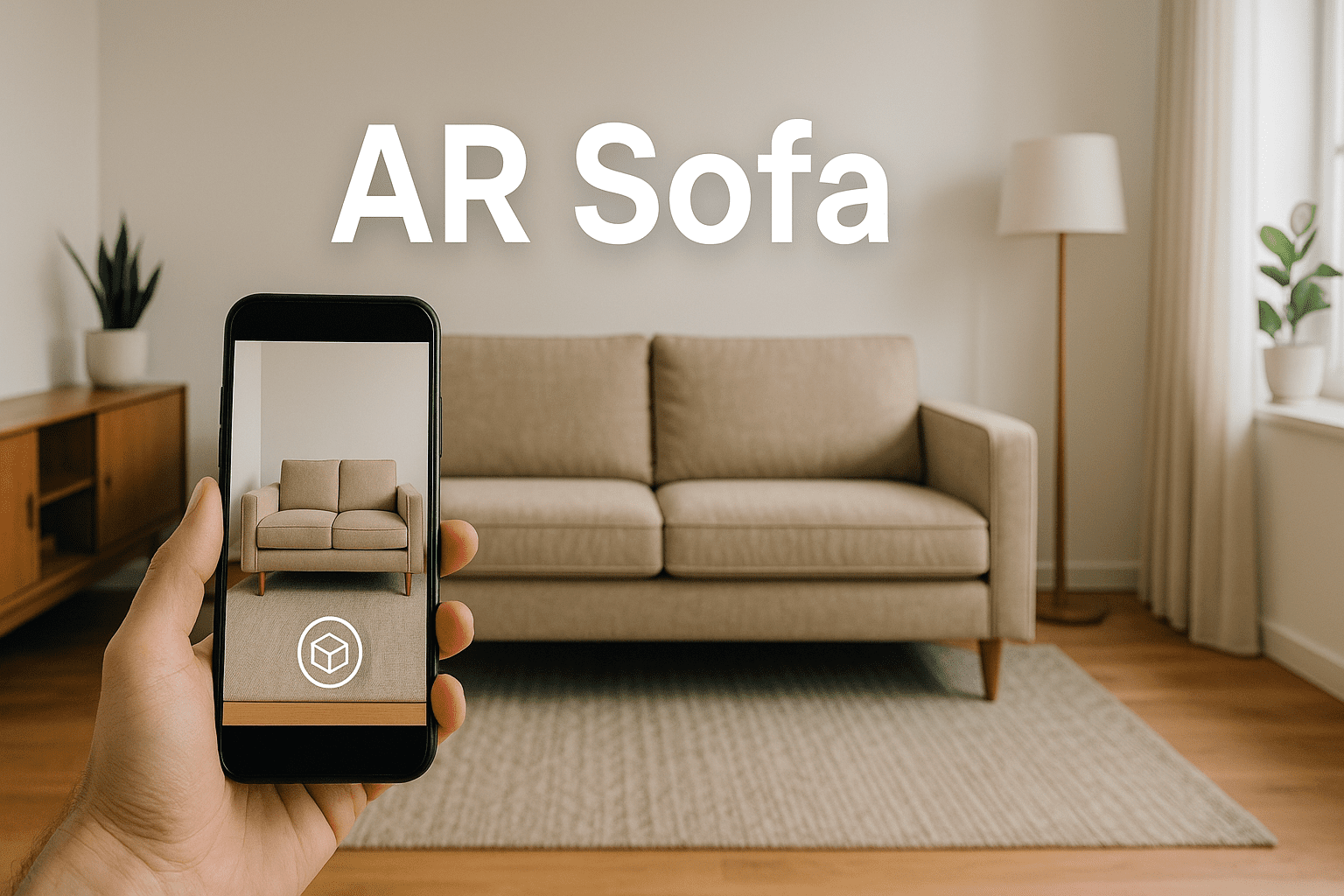
AR for WordPress refers to plugins and solutions that enable website owners to display 3D models and augmented reality experiences directly on their WordPress sites. Unlike traditional product images, AR allows visitors to visualize products in their real-world environment using their smartphone or tablet camera—no app downloads required.
Modern AR for WordPress solutions leverage WebAR technology, which works seamlessly through mobile browsers on both iOS (using Quick Look) and Android (using Scene Viewer) devices. This means your customers can see exactly how furniture fits in their living room, how wall art looks on their walls, or how accessories complement their existing decor—all from their web browser.
Why Your WordPress Site Needs AR in 2026
The statistics speak for themselves. Businesses implementing AR for WordPress are seeing remarkable results:
- Up to 65% higher conversion rates compared to traditional product pages
- 40% reduction in product returns when customers can visualize items before purchase
- 3x longer time spent on product pages with interactive 3D models
- Significant increase in customer confidence and purchase intent
For WooCommerce stores selling furniture, home decor, fashion accessories, or any physical products, AR has become essential rather than optional. Customers increasingly expect interactive experiences, and AR for WordPress delivers exactly that.
Essential Features of AR for WordPress Plugins
When evaluating AR solutions for your WordPress site, look for these critical features:
Cross-Platform Compatibility
The best AR for WordPress plugins support both iOS and Android devices without requiring app downloads. Look for solutions that work with GLB/GLTF files for Android and USDZ files for iOS, ensuring all your customers can experience AR regardless of their device.
3D Model Viewer
Beyond AR, a quality plugin should offer an interactive 3D model viewer for desktop users. This allows customers to rotate, zoom, and examine products from every angle before launching AR on their mobile device.
WooCommerce Integration
For eCommerce sites, seamless WooCommerce integration is non-negotiable. The plugin should automatically add AR functionality to product pages without requiring manual coding or complex setup.
Flexible Placement Options
Different products require different AR experiences. Furniture needs floor placement, while wall art requires vertical surface placement. Advanced AR for WordPress solutions offer multiple placement modes to accommodate various product types.
Comparing AR for WordPress Solutions: What Sets AtlasAR Apart
The WordPress AR plugin market has several options, but they vary significantly in capabilities and limitations. Here’s what makes AtlasAR (3D Model Viewer & AR for WordPress) stand out:
Unlimited 3D Models in Free Version
While many competitors limit free users to 1-10 models, AtlasAR offers unlimited 3D model uploads even in the free version. This is crucial for stores with extensive product catalogs who want to test AR capabilities before committing to a paid plan.
AI-Powered 3D Model Generation
AtlasAR integrates with Tripo3D API to generate 3D models from simple text prompts or images. This unique feature eliminates the need for expensive 3D modeling services or complex software, making AR accessible to businesses of all sizes.
True Mobile AR Without Apps
AtlasAR leverages native AR capabilities on both platforms—Quick Look for iOS and Scene Viewer for Android—delivering authentic AR experiences without forcing customers to download additional apps. This reduces friction and increases engagement.
Desktop QR Code Feature
When desktop users browse your products, AtlasAR displays a QR code they can scan with their mobile device to instantly experience AR. This bridges the desktop-mobile gap and ensures no potential customer misses out on the AR experience.
Performance Optimization
AtlasAR uses asynchronous loading and lazy loading on archive pages to minimize performance impact. Your site speed remains fast while delivering cutting-edge AR functionality—a balance many competitors struggle to achieve.
How to Implement AR for WordPress: Step-by-Step Guide
Getting started with AR for WordPress using AtlasAR is straightforward, even for non-technical users:
Step 1: Install the Plugin
Download AtlasAR from WordPress.org or install directly through your WordPress dashboard. Navigate to Plugins > Add New, search for “AR VR 3D Model Try On,” and click Install Now, then Activate.
Step 2: Configure Settings
Access the AtlasAR settings menu. For WooCommerce stores, change the “Enable AR For Post Types” setting from “post” to “product.” Configure your preferred placement mode (floor or wall) and customize button appearance to match your brand.
Step 3: Upload 3D Models
Edit any product or post and locate the AtlasAR metabox. Upload your GLB/GLTF file for Android compatibility and USDZ file for iOS support. Optionally add a poster image (thumbnail) for the 3D viewer. If you don’t have 3D models, use the AI generation feature by entering a text prompt.
Step 4: Preview and Publish
Preview your 3D model directly in the admin panel to ensure it looks correct. When satisfied, publish your product. The “View in AR” button will automatically appear on your product page for mobile visitors, while desktop users will see an interactive 3D viewer with a QR code option.
Real-World Applications of AR for WordPress
Furniture and Home Decor
Furniture retailers using AR for WordPress report the highest impact. Customers can visualize sofas, tables, and chairs in their actual living spaces at true scale, eliminating the biggest barrier to online furniture purchases: uncertainty about fit and style.
Wall Art and Photography
Art galleries and photographers benefit immensely from wall placement AR. Customers can preview artwork on their own walls, ensuring size and color harmony before purchase. This addresses the common hesitation about whether a piece will “work” in their space.
Lighting and Fixtures
Lamp and lighting stores use AR to help customers visualize how fixtures will illuminate and complement their rooms. This is particularly valuable for ceiling and wall-mounted fixtures where placement and scale are critical.
Fashion Accessories and Jewelry
While traditional floor/wall AR works for bags, scarves, and display items, AtlasAR’s upcoming Pro version will feature glass mode for virtual try-ons of eyewear and jewelry using face tracking technology.
Technical Requirements and Best Practices
3D Model File Formats
For AR for WordPress to work across all devices, you need both GLB (or GLTF) files for Android and USDZ files for iOS. These industry-standard formats ensure compatibility with WebAR technologies. Keep file sizes optimized—ideally under 5MB—for fast loading on mobile networks.
Device Compatibility
iOS devices running iOS 12+ with ARKit support and Android devices with Android 9.0+ and ARCore support can experience full AR functionality. For older devices, the 3D viewer still works, ensuring no customer is left out.
SSL Certificate Requirement
AR for WordPress requires your site to have an SSL certificate (HTTPS) for optimal performance. This is standard practice for modern websites and critical for security, so if you haven’t already implemented SSL, now is the time.
Performance Optimization Tips
- Optimize 3D models before uploading—reduce polygon counts while maintaining visual quality
- Use lazy loading for product archives to prevent multiple models from loading simultaneously
- Implement caching to speed up repeat visits
- Test AR experiences on actual mobile devices, not just emulators
SEO Benefits of AR for WordPress
Beyond conversion improvements, implementing AR for WordPress can boost your SEO performance:
- Increased time on site signals quality content to search engines
- Lower bounce rates from engaged visitors exploring 3D models
- Unique content that differentiates your site from competitors
- Potential for featured snippets and rich results showcasing 3D content
- Social sharing opportunities as customers share impressive AR experiences
Google increasingly prioritizes user experience signals, and AR for WordPress directly improves engagement metrics that matter for rankings.
The Future of AR for WordPress
AR technology for WordPress continues evolving rapidly. Here’s what to expect in 2025 and beyond:
Desktop WebAR Experiences
Upcoming developments will bring AR capabilities to desktop browsers, eliminating the mobile-only limitation and expanding the audience for interactive experiences.
Advanced Virtual Try-On
Face tracking and body tracking technologies will enable realistic virtual try-ons for eyewear, jewelry, clothing, and accessories directly in WordPress stores.
AI-Enhanced 3D Generation
Artificial intelligence will make 3D model creation even easier, potentially generating high-quality models from simple product photos automatically—a feature AtlasAR already pioneers with Tripo3D integration.
Multi-Model Configurators
Advanced configurators will let customers mix and match products, change colors and materials in real-time, and see complete room designs before purchasing—all within AR for WordPress.
Getting Started with AR for WordPress Today
The best time to implement AR for WordPress was yesterday—the second best time is now. Your competitors may already be offering AR experiences, and customer expectations continue rising. Here’s how to get started:
- Download AtlasAR free version from WordPress.org to test unlimited 3D models
- Start with your best-selling or most visual products
- Use AI generation features if you don’t have existing 3D models
- Monitor analytics to measure impact on engagement and conversions
- Gather customer feedback to refine your AR implementation
- Gradually expand AR to more products based on results
Conclusion: Transform Your WordPress Store with AR
AR for WordPress represents a fundamental shift in online shopping. It bridges the gap between digital browsing and physical experience, giving customers the confidence to make purchasing decisions without the uncertainty that traditionally plagued online retail.
With solutions like AtlasAR offering unlimited free 3D models, AI-powered generation, and seamless WooCommerce integration, there’s never been a better time to implement augmented reality on your WordPress site. The technology is mature, accessible, and proven to deliver measurable results.
Whether you’re selling furniture, home decor, artwork, or accessories, AR for WordPress can differentiate your store, reduce returns, increase conversions, and provide the immersive shopping experience modern customers expect. The question isn’t whether to implement AR—it’s how quickly you can get started.
Ready to transform your WordPress store with AR? Visit AtlasAiDev.com to learn more about AtlasAR, or download the free version directly from WordPress.org and start offering augmented reality experiences to your customers today.
FAQ: AR for WordPress
AR for WordPress allows website owners to add augmented reality experiences to their WordPress sites using 3D models. Visitors can view products or objects in real-world environments directly from their mobile browsers without installing any apps.
No. Most WordPress AR plugins use shortcodes, Gutenberg blocks, or Elementor widgets, making it easy to add AR features without any coding knowledge.
Most AR plugins support:
GLB / GLTF for Android and WebAR
USDZ for iOS AR (Apple Quick Look)
These formats ensure smooth performance and compatibility across devices.
Yes. Many plugins, including 3D Model Viewer & AR Try-On, integrate directly with WooCommerce, allowing customers to view products in AR from product pages — improving engagement and conversions.
When optimized correctly, AR does not negatively impact SEO. Modern AR plugins use lazy loading, optimized 3D models, and browser-based rendering, helping maintain fast page speeds and good Core Web Vitals.
Absolutely. AR increases time on site, reduces product uncertainty, and improves user confidence, which can lead to higher conversion rates and lower return rates — especially for eCommerce websites.
Try It Today
Looking to increase engagement and reduce returns? Add augmented reality to your site today.
Download the AR/VR 3D Try-On Plugin
View Demos & Use Cases
Contact Our Team